claude-canvas
githubAI-orchestrated visual production for Obsidian Canvas. Create presentations, flowcharts, mood boards, knowledge graphs, and galleries with intelligent layout and AI-generated content.
claude-canvas
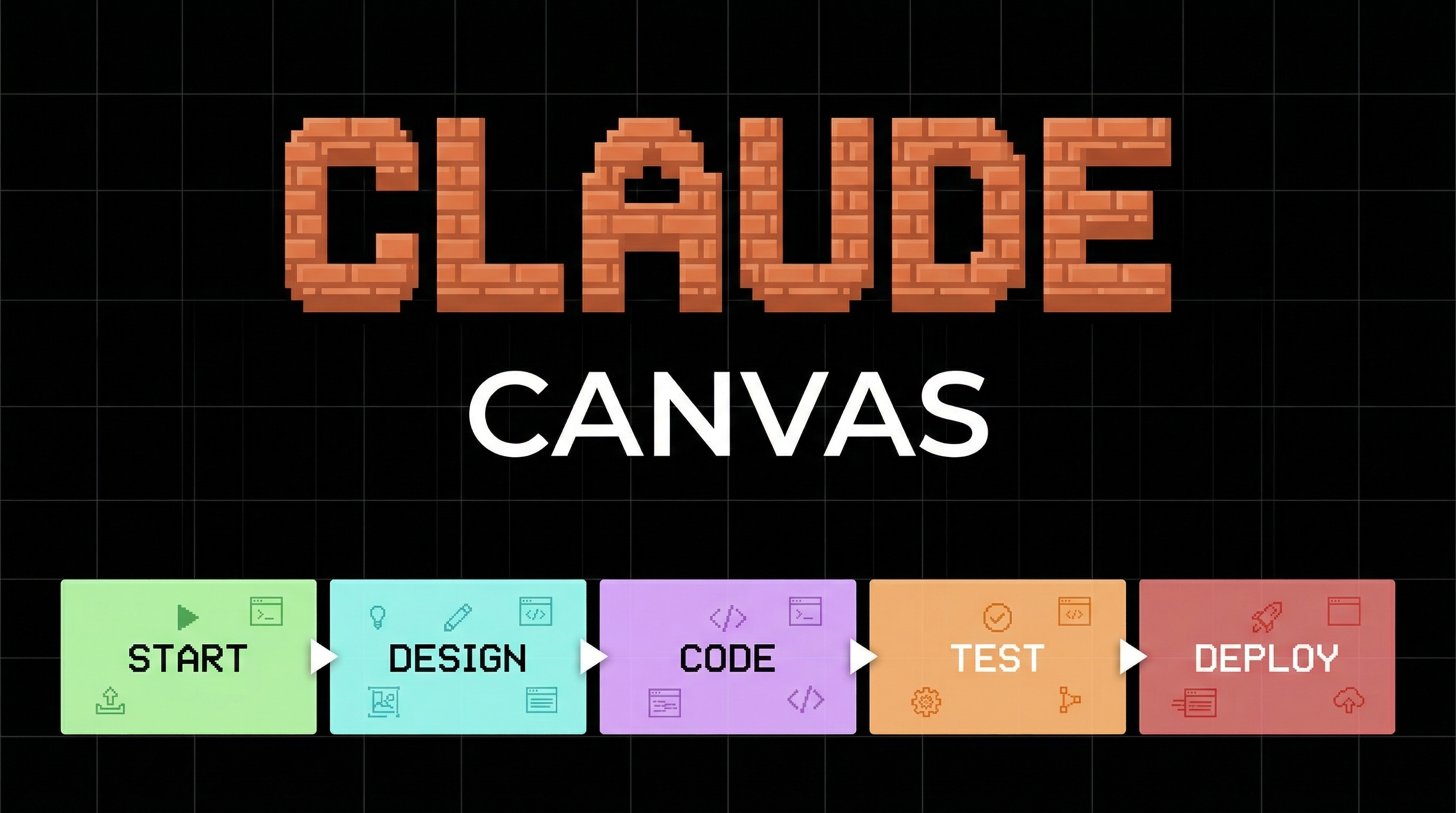
AI-orchestrated visual production for Obsidian Canvas. Create presentations, flowcharts, mood boards, knowledge graphs, and galleries with intelligent layout and AI-generated content.
Claude acts as Creative Director — describe what you want and get a fully populated, professionally laid-out canvas.
What It Does
- Create canvases from 12 built-in templates (presentation, flowchart, mind map, gallery, dashboard, storyboard, knowledge graph, mood board, timeline, comparison, kanban, project brief)
- Populate with images, text, PDFs, wiki notes, web links, Mermaid diagrams, SVGs, GIFs
- Layout with 6 algorithms (dagre, grid, radial, force-directed, linear, auto-detect)
- Present with Advanced Canvas plugin support (1200x675 slide groups with edge navigation)
- Generate entire canvases from a single description using AI-generated images and content
- Export to PNG, SVG, or PDF
Install
Claude Code CLI
claude plugin install AgriciDaniel/claude-canvasClone
git clone https://github.com/AgriciDaniel/claude-canvas.git ~/Desktop/claude-canvasAdd to existing project
claude plugin add ~/Desktop/claude-canvasCommands
| You say | Claude does |
|---|---|
/canvas | List canvases with node counts and zones |
/canvas create my-board | Create a new blank canvas |
/canvas create launch from presentation | Create from template archetype |
/canvas add image photo.png | Add image node with auto aspect ratio |
/canvas add text "# Title" | Add markdown text card |
/canvas add banana "hero shot" | Generate AI image via /banana, add to canvas |
/canvas add mermaid "graph LR..." | Add Mermaid diagram (renders natively) |
/canvas zone "Research" 5 | Create a cyan-colored zone |
/canvas connect node-a node-b | Add edge between nodes |
/canvas from banana | Import recent AI-generated images |
/canvas layout dagre | Re-layout with hierarchical algorithm |
/canvas layout auto | Auto-detect best algorithm |
/canvas present "Q3 Review" | Build presentation canvas |
/canvas generate "mood board for cyberpunk game" | Full AI-orchestrated generation |
/canvas template list | Browse 12 archetypes |
/canvas export png | Export canvas to PNG |
Templates
| Archetype | Layout | Use Case |
|---|---|---|
presentation | Linear vertical | Slide decks for Advanced Canvas |
flowchart | Sugiyama/dagre | Process documentation |
mind-map | Radial center-out | Idea exploration |
gallery | Grid | Image showcases |
dashboard | Grid variable | Project status boards |
storyboard | Linear horizontal | Video/animation planning |
knowledge-graph | Force-directed | Entity relationships |
mood-board | Asymmetric grid | Creative direction |
timeline | Linear horizontal | Event sequences |
comparison | Two columns | Side-by-side analysis |
kanban | Column zones | Task management |
project-brief | Stacked zones | Project kickoff |
Canvas Location
claude-canvas is vault-aware but not vault-dependent:
- If
wiki/canvases/exists (claude-obsidian vault): uses that directory - Otherwise: creates
.canvases/in your current project
Integration
Works with these skills when installed (gracefully degrades if not available):
/banana— AI image generation via Gemini/svg— Diagram, chart, icon, and pattern generation/claude-gif-*— GIF generation, editing, and optimizationmcpvaultMCP — Read wiki notes for presentation content
Requirements
- Obsidian with Canvas support (v1.1+)
- Advanced Canvas plugin (recommended for presentations and export)
- Python 3.10+ (for layout and validation scripts)
File Structure
.claude-plugin/plugin.json     Plugin metadata
commands/canvas.md             CLI entry point
hooks/hooks.json               PostToolUse auto-validation
skills/
  canvas/                      Main orchestrator — routes to sub-skills
    SKILL.md
    references/                7 reference files (spec, layout, performance, templates, presentation, mermaid, media)
  canvas-create/SKILL.md       Create canvases
  canvas-populate/SKILL.md     Add nodes, edges, zones
  canvas-layout/SKILL.md       Re-layout algorithms
  canvas-present/SKILL.md      Presentation builder
  canvas-generate/SKILL.md     AI-orchestrated generation (flagship)
  canvas-template/SKILL.md     Template browser
  canvas-export/SKILL.md       Export to image/PDF
agents/                        3 agents (layout, media, composer)
scripts/                       Python CLI tools (validate, layout, template)
templates/                     12 JSON Canvas archetypes
bin/setup.sh                   Install optional Python dependencies
Screenshots
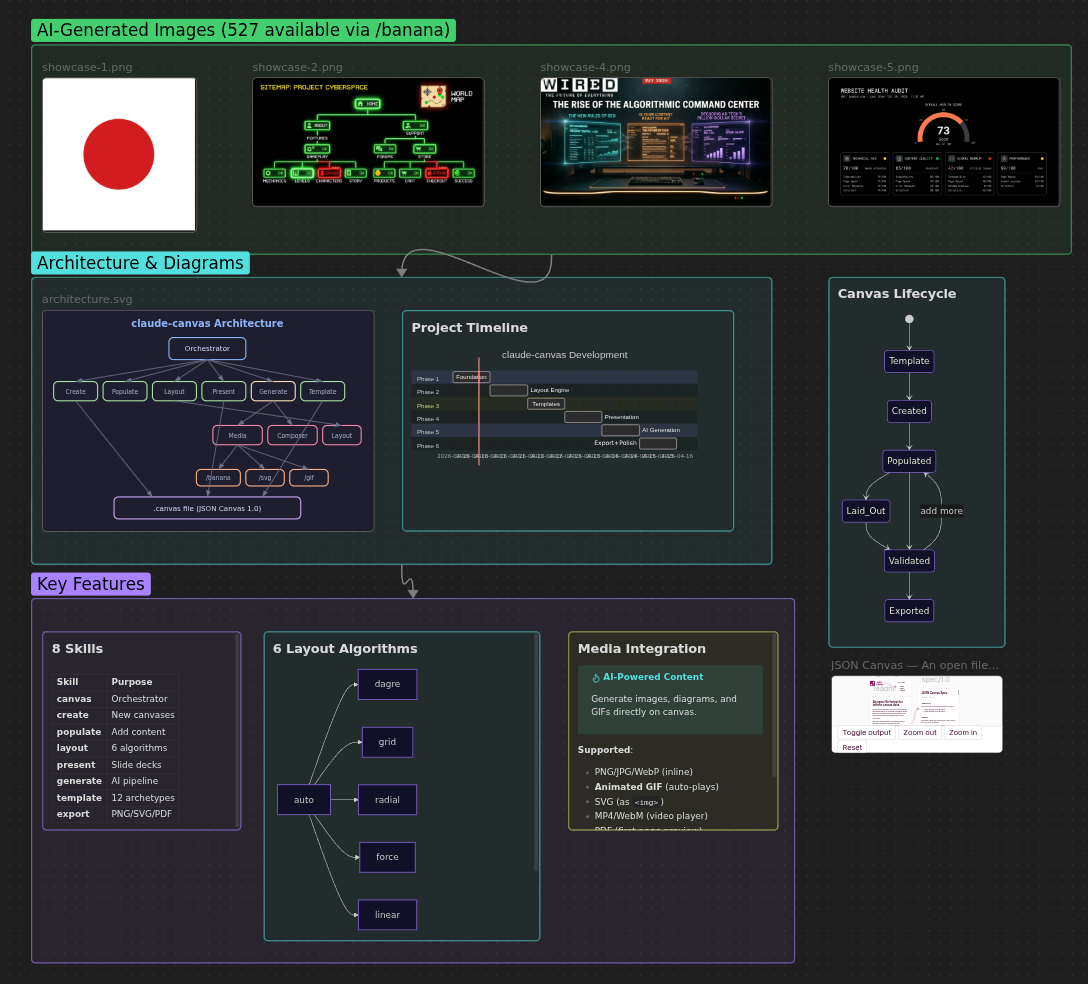
Full Feature Showcase
AI images, SVG architecture diagram, Mermaid charts, callouts, and zones — all in one canvas
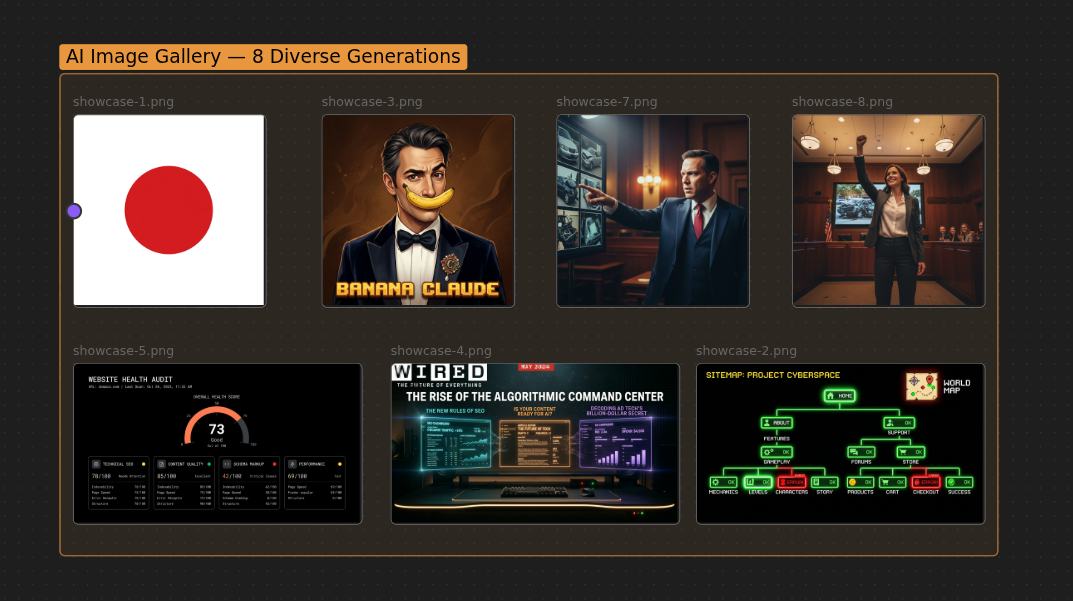
AI Image Gallery
8 diverse AI-generated images arranged in an auto-laid-out gallery zone
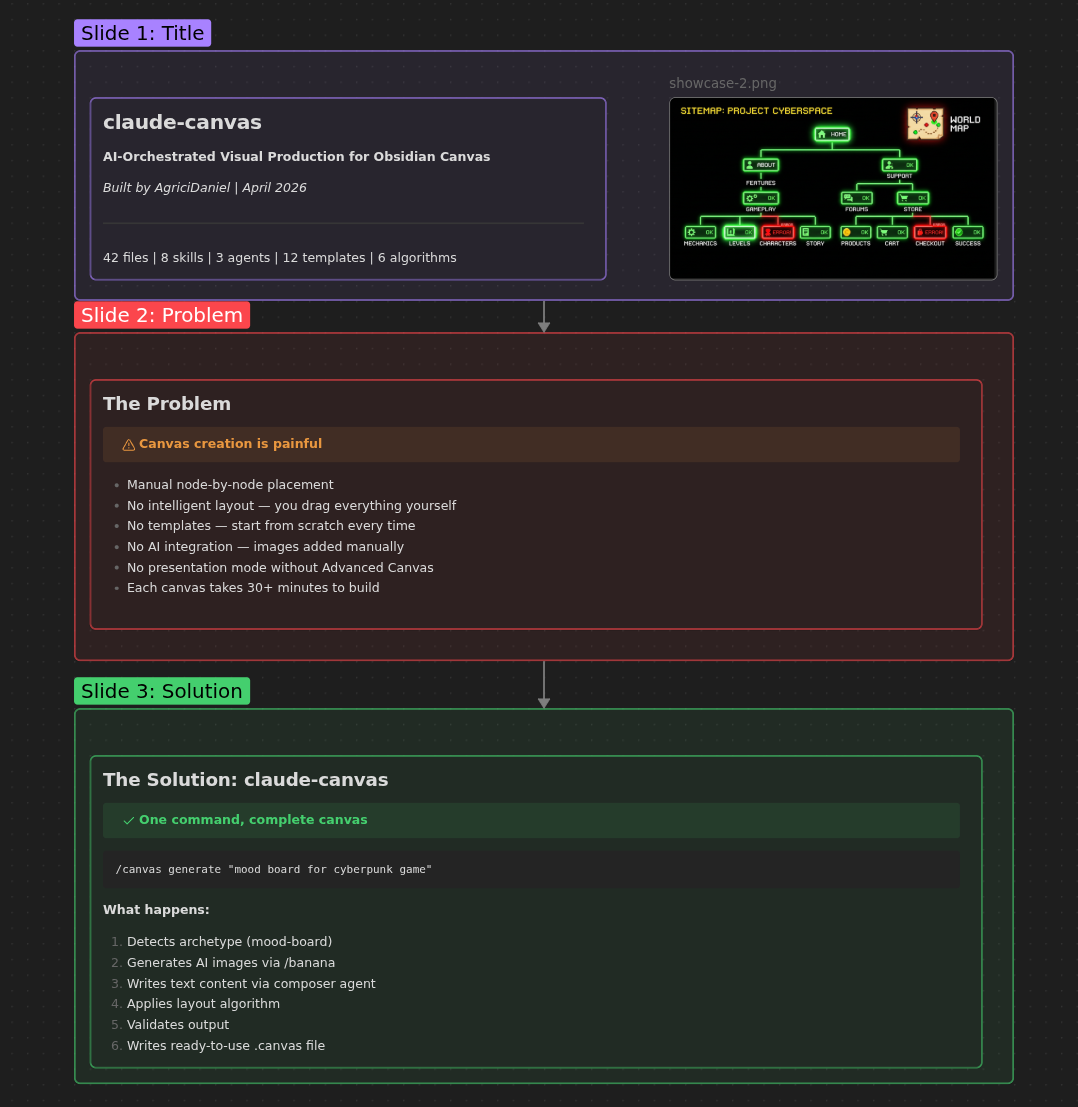
Presentation Mode
6-slide deck with real content, Mermaid diagrams, and edge navigation for Advanced Canvas
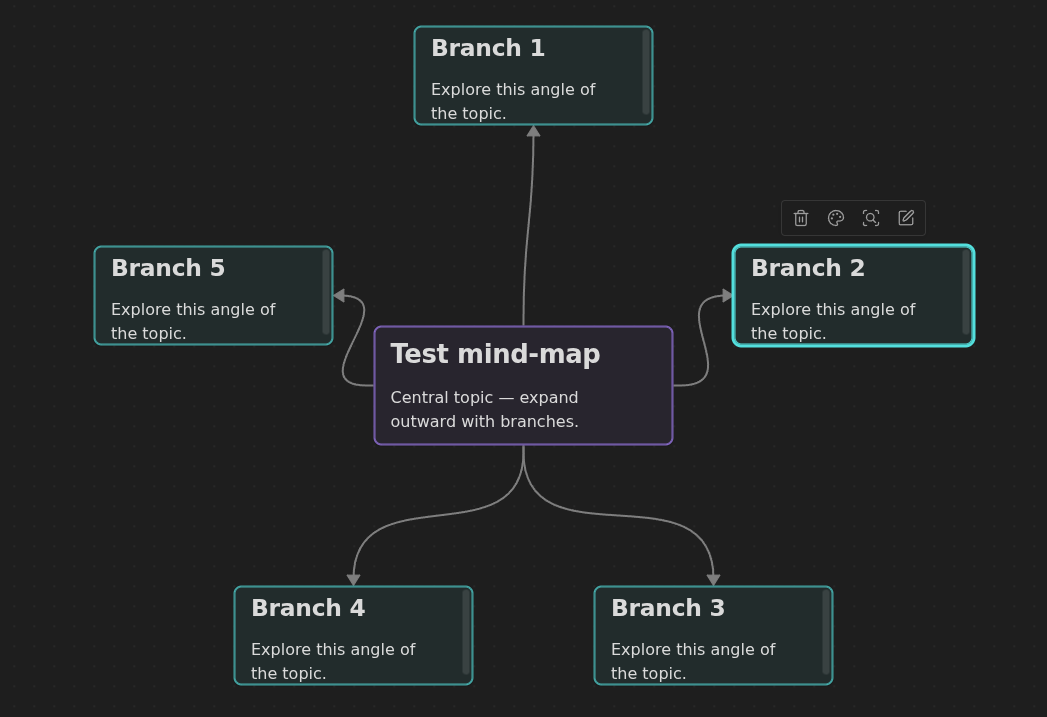
Mind Map (Radial Layout)
Auto-applied radial layout expanding from central topic
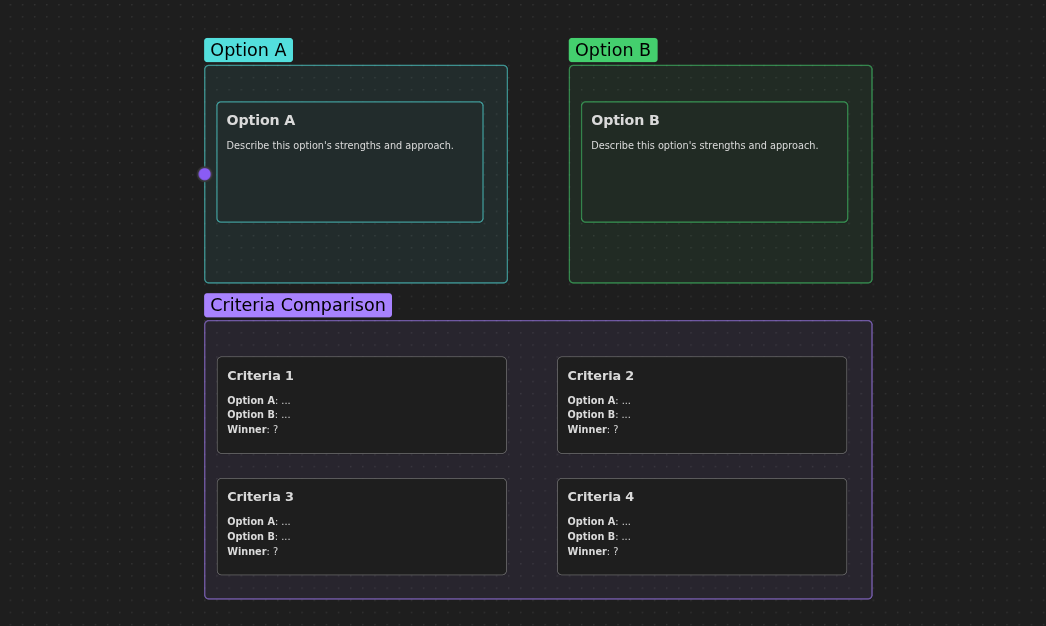
Comparison Template
Side-by-side option zones with criteria comparison section
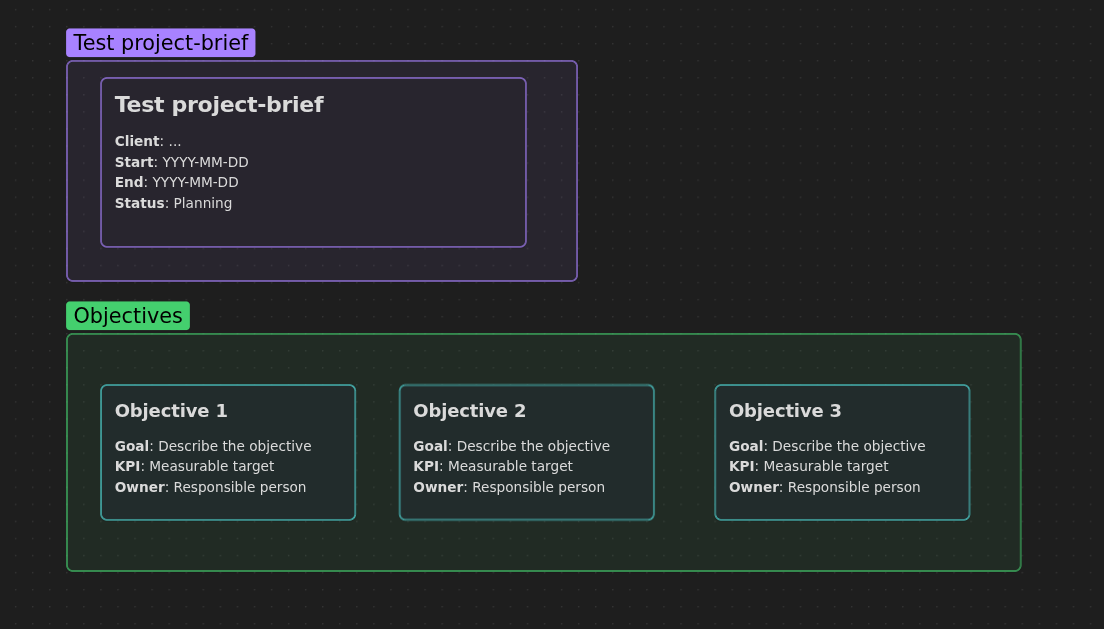
Project Brief
Stacked zones: header, objectives with KPIs, and deliverables
Origin
claude-canvas originated from the /canvas skill in claude-obsidian — a knowledge companion for Obsidian vaults. The original skill handles wiki-scoped visual boards. claude-canvas extends this into a full visual production system for any project.
Attribution
Built by AgriciDaniel. Canvas format follows the JSON Canvas 1.0 open standard by the Obsidian team.
Author
Built by Agrici Daniel - AI Workflow Architect.
- Blog - Deep dives on AI marketing automation
- AI Marketing Hub - Free community, 2,800+ members
- YouTube - Tutorials and demos
- All open-source tools