on-page-seo
githubOn-Page SEO Analyzer - Analyze your website's SEO performance
On-Page SEO Analyzer
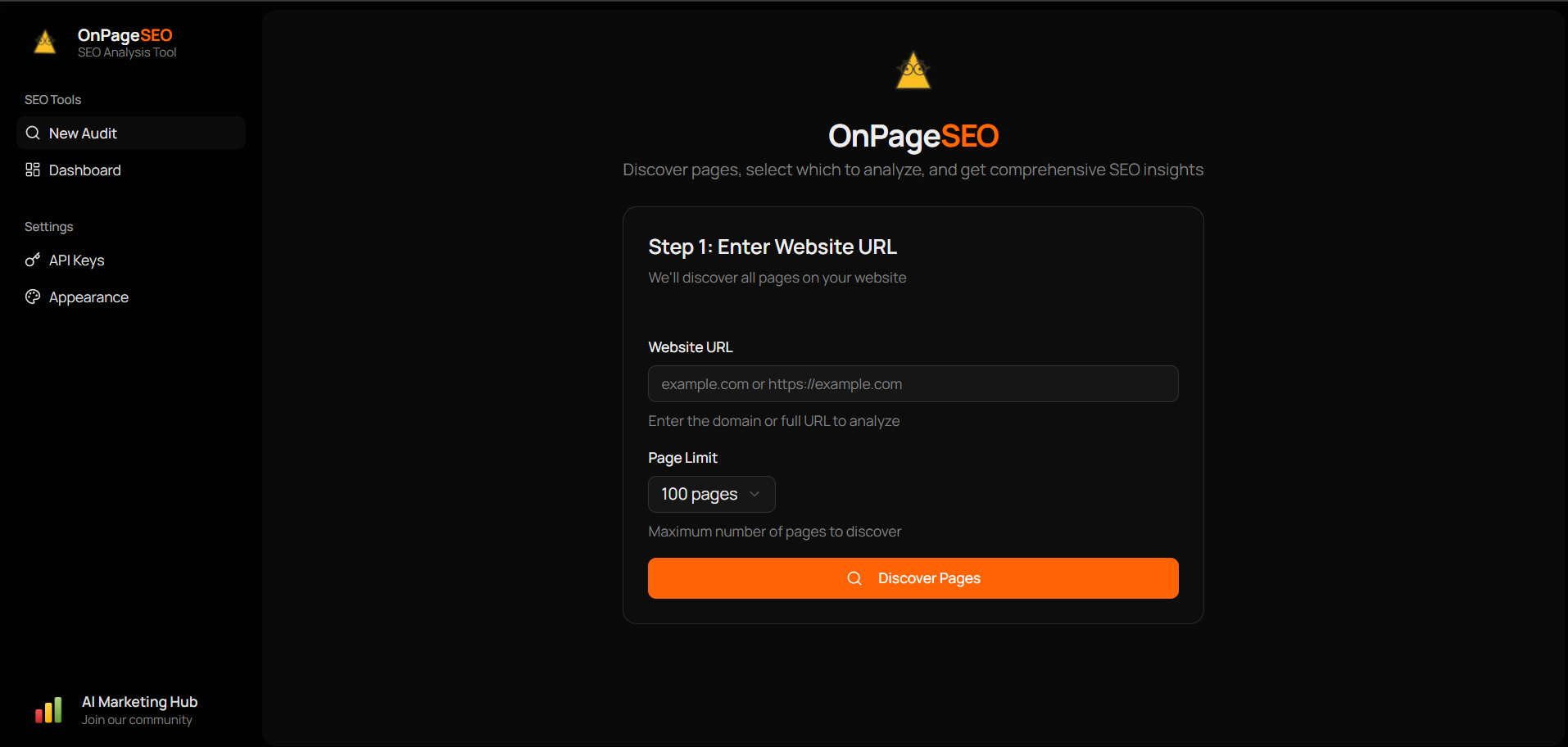
A comprehensive on-page SEO analysis tool that helps you audit and optimize your website’s SEO performance. Analyze up to 500 pages at once with detailed insights on 74 SEO metrics.
How It Was Built

Watch the journey from n8n workflow to full app on YouTube
Features
- Page Discovery: Automatically discover pages on your website using Firecrawl
- Comprehensive Analysis: Analyze 74 SEO metrics per page using DataForSEO
- Core Web Vitals: Track LCP, FID, and CLS scores
- Real-time Progress: Watch your audit progress with live updates
- Export Results: Download reports as CSV or JSON
- Dark Mode: Full dark mode support
Tech Stack
Frontend:
- React 19 with TypeScript
- Vite for blazing fast builds
- TanStack Router & React Query
- Tailwind CSS with Shadcn/ui components
- Recharts for data visualization
Backend:
- Node.js with Express
- SQLite database (better-sqlite3)
- TypeScript
- Firecrawl API for page discovery
- DataForSEO API for SEO analysis
Prerequisites
- Node.js 18+
- npm or yarn
- Firecrawl API Key
- DataForSEO Account
Quick Start
1. Clone the repository
git clone https://github.com/AgriciDaniel/on-page-seo.git
cd on-page-seo
2. Install dependencies
# Install all dependencies (root, client, and server)
npm run install:all
3. Configure environment
cp .env.example .envEdit .env with your settings, or configure API keys through the app’s settings page.
4. Start development servers
npm run devThis starts both the client (http://localhost:3005) and server (http://localhost:3001).
Scripts
| Command | Description |
|---|---|
npm run dev | Start both client and server in development mode |
npm run dev:client | Start only the client |
npm run dev:server | Start only the server |
npm run build | Build both client and server for production |
npm run start | Start the production server |
npm run install:all | Install dependencies for root, client, and server |
Project Structure
on-page-seo/
├── client/             # React frontend
│   ├── src/
│   │   ├── components/ # Reusable UI components
│   │   ├── features/   # Feature-based modules
│   │   ├── lib/        # API client and utilities
│   │   ├── routes/     # TanStack Router routes
│   │   └── types/      # TypeScript types
│   └── ...
├── server/             # Express backend
│   └── src/
│       ├── routes/     # API routes
│       ├── services/   # Business logic
│       └── db/         # Database layer
├── shared/             # Shared types
│   └── types/
├── data/               # SQLite database
└── ...
API Endpoints
| Method | Endpoint | Description |
|---|---|---|
| POST | /api/audits | Start a new SEO audit |
| GET | /api/audits | List all audits |
| GET | /api/audits/:id | Get audit details with results |
| GET | /api/audits/:id/progress | SSE stream for real-time progress |
| GET | /api/audits/:id/export | Export audit as CSV or JSON |
| DELETE | /api/audits/:id | Delete an audit |
| GET | /api/settings | Get API configuration status |
| PUT | /api/settings | Update API credentials |
Production Deployment
Build for production
npm run buildStart production server
NODE_ENV=production npm run startThe server will serve the built client files and handle API requests on the same port.
Contributing
Contributions are welcome! Please feel free to submit a Pull Request.
License
This project is licensed under the MIT License - see the LICENSE file for details.
For a full publishing pipeline from analysis to published content, see Rankenstein.
Author
Built by Agrici Daniel - AI Workflow Architect.
- Blog - Deep dives on AI marketing automation
- AI Marketing Hub - Free community, 2,800+ members
- YouTube - Tutorials and demos
- All open-source tools